What llms.txt is (in plain English)
llms.txt is a simple text file you place on your website to help AI systems and AI-powered agents find the pages you actually want them to read. Think of it as an “AI site map” that is curated and human-written. Instead of listing every URL like a sitemap.xml, a llms.txt file highlights your most important pages and explains, in one sentence per page, what each page is about.
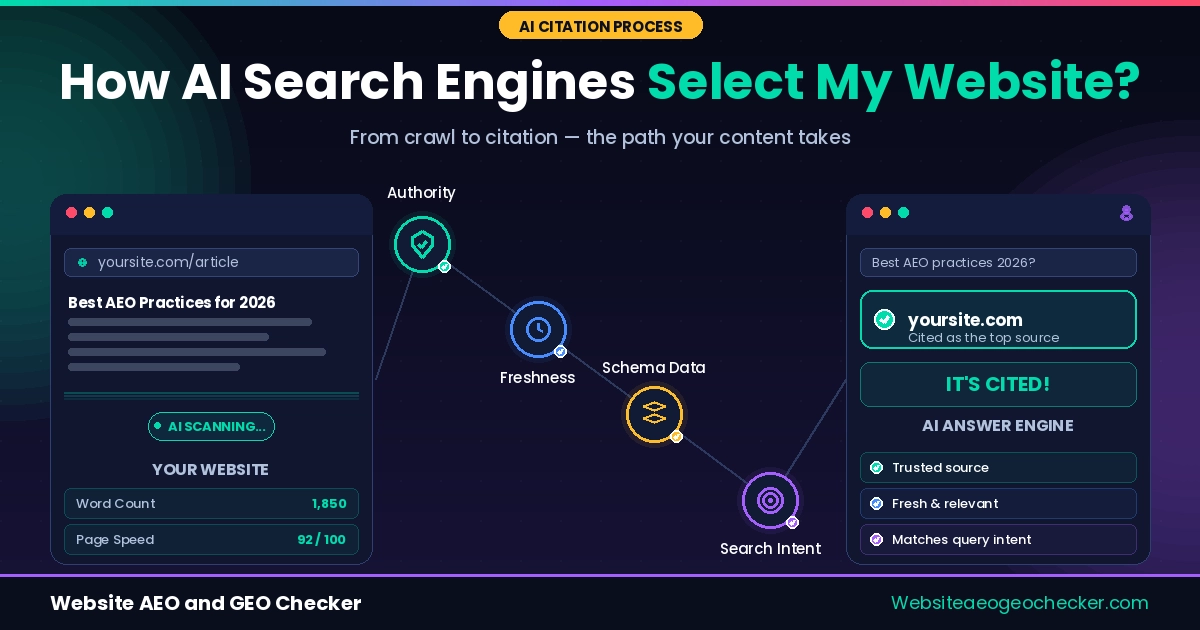
That single change matters because AI engines are not just trying to index your site. They are trying to answer questions. When a model or an AI search system looks for a source, it needs to quickly identify which page contains the best, most quotable information. llms.txt is designed to reduce that search cost and make the “right page” easier to select.
Why llms.txt exists
Traditional web discovery revolves around crawling and ranking. AI discovery is different. AI assistants often need short, high-signal context: a few authoritative pages that explain a topic clearly, with the right structure and the right scope. If your website has a lot of pages, or if your navigation is complex, it can be hard for an AI system to decide which pages represent your core expertise.
The emerging llms.txt idea is discussed openly by practitioners building AI retrieval workflows, and it fits alongside established machine-readable standards like XML sitemaps and robots.txt guidance.
llms.txt exists to communicate intent. It tells AI systems:
- Which pages represent your “primary” content.
- What each page answers or covers.
- Which pages are the best starting points for summaries or citations.
It is especially useful for sites with mixed content, such as agencies that publish both service pages and blog posts, SaaS products with documentation plus marketing pages, or publishers with hundreds of articles.
How AI systems might use llms.txt
Different AI products use the web differently. Some systems crawl content for training. Others fetch pages on demand to cite sources. Others use a hybrid approach with indexes, caches, and retrieval tools. llms.txt can help in each of these situations by reducing ambiguity.
In a typical retrieval scenario, an AI agent might:
- Discover your domain from a query or a link.
- Look for well-known machine-readable files (robots.txt, sitemap.xml, and increasingly llms.txt).
- Read llms.txt to identify the best candidate pages.
- Fetch those pages first, then decide what to cite.
The key point is not that llms.txt “forces” an AI engine to cite you. It does not. But it can improve the chance that the engine reads the right pages early, which often improves the chance those pages become sources.
Do you need llms.txt?
You do not need llms.txt to be indexed by traditional search engines. But you may benefit from it if you care about AI search visibility. In practice, llms.txt is most helpful when:
- You have multiple “important” pages and want to guide discovery.
- You want AI systems to prefer your canonical guides, not random thin pages.
- You publish documentation, policies, or reference content that should be cited.
- You want to reduce confusion around similar pages (multiple versions, categories, or old content).
If your site is small, with just a few pages, llms.txt may not change much. But it can still be a low-effort way to communicate structure and intent.
If you are not sure whether your current setup already supports AI discovery, compare your site with our GEO Checker and AI Visibility Checker before publishing changes.
What to include in llms.txt
A strong llms.txt file is short, specific, and accurate. Avoid vague marketing language. The goal is clarity, not persuasion. A good structure is:
- A short intro line describing your site.
- A list of key URLs with a one-sentence description per URL.
- Optional sections for documentation, policies, or contact pages.
For example, you might include:
- Your “About” page (to establish trust and entity context).
- Your primary service or product pages.
- Your best long-form guides (because those are the most citable).
- Your contact page (for credibility).
- Your privacy policy (often referenced by compliance and trust tooling).
llms-full.txt and llms-small.txt
You may see variants like llms-full.txt and llms-small.txt. These are not universally standardized, but the idea is simple:
- llms-full.txt: a more complete index of important pages with richer descriptions.
- llms-small.txt: a compact version for fast retrieval or limited context windows.
If you publish variants, make sure they are consistent. Outdated guidance can harm trust. It is better to have a single accurate llms.txt than three conflicting files.