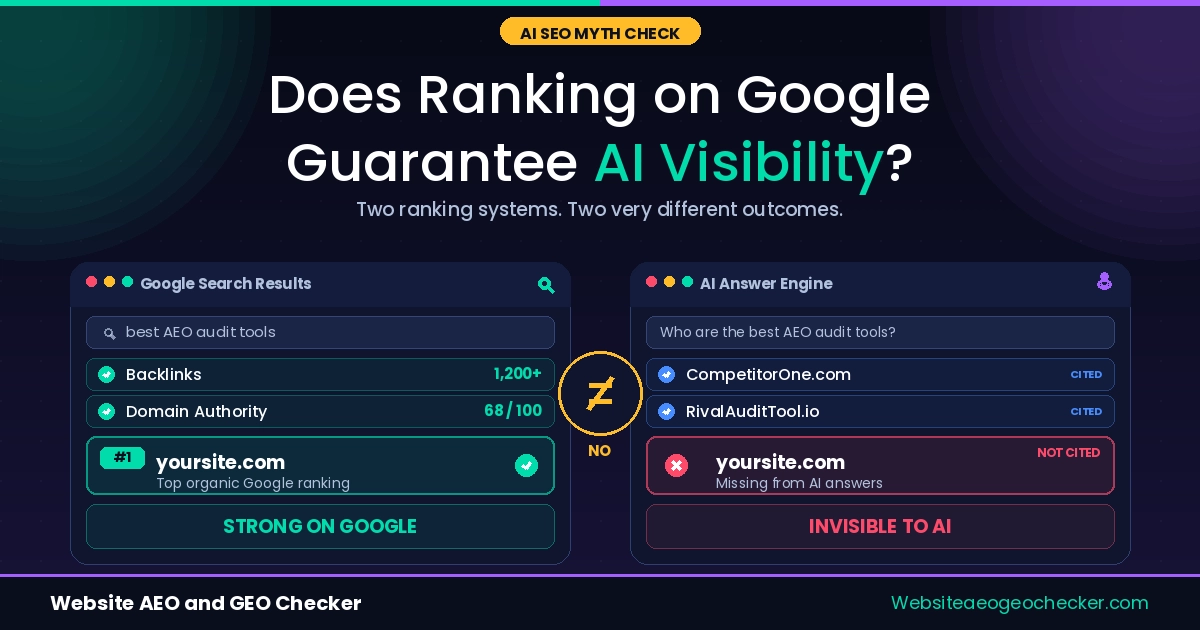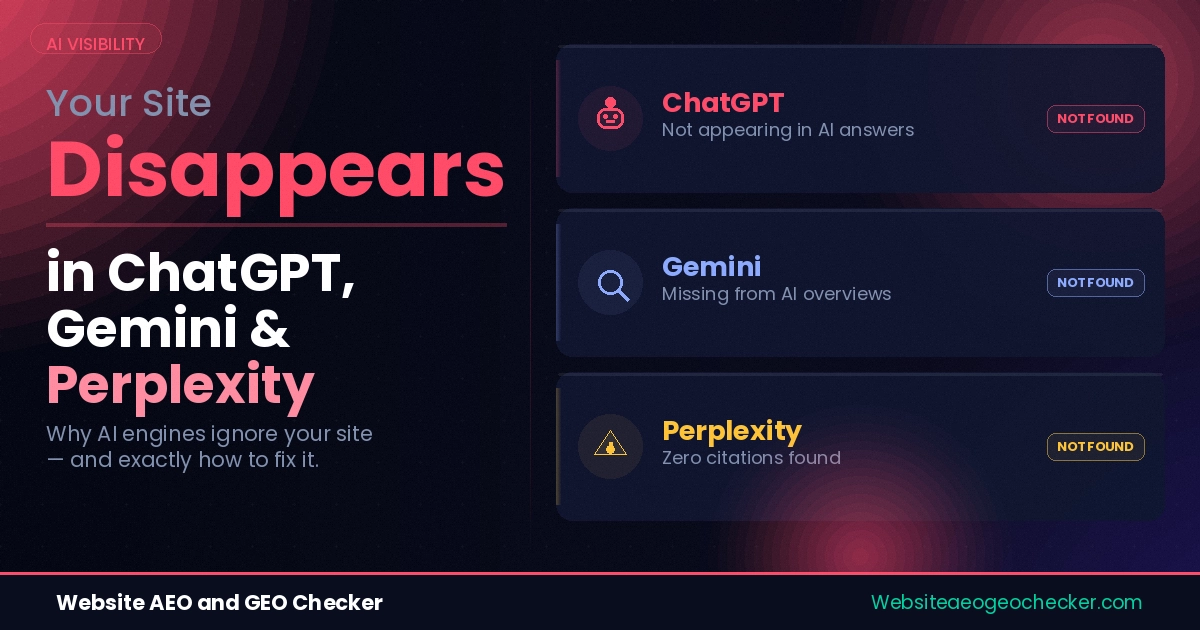
Your site ranks on page one of Google. You publish consistently. Your content is accurate, useful, and covers your topic well. But ask ChatGPT, Gemini, or Perplexity a question your content answers perfectly, and another site gets the citation. Sometimes a worse one.
This is not a content quality problem. It is a configuration and structure problem. And it is almost always fixable.
Between Q1 2025 and Q1 2026, AI search visits increased from 15.6 billion to 27.4 billion, marking a 42.8% year-over-year growth. This channel is rapidly expanding. Each month that your site is absent from AI answers, compounding traffic will continue to be lost.
We have audited multiple sites. The same six problems crop up repeatedly. Fixing some of these issues takes under five minutes. One of the issues takes an hour to resolve. A developer is not needed to fix these problems. This is what is happening, and how to fix each issue is outlined below.
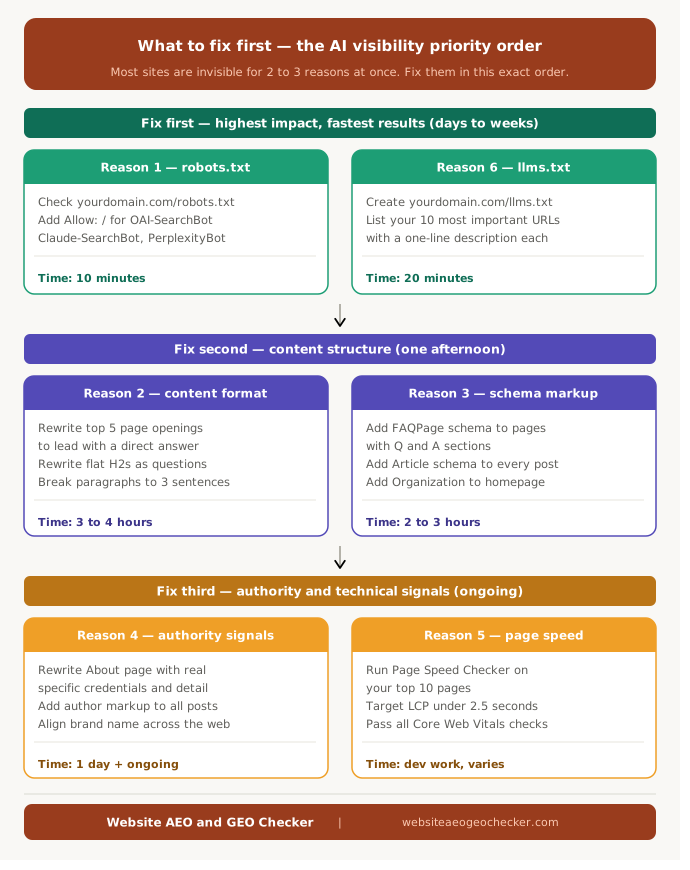
Reason 1: AI Bots Are Blocked in Your robots.txt
This is the most common reason we find, and the most avoidable.
Your robots.txt file at yourdomain.com/robots.txt tells crawlers which parts of your site they can access. Most people set this file up years ago and never look at it again. In the meantime, AI search engines have deployed their own crawlers, and a huge number of sites are blocking them without knowing it.
The bots that matter most for AI search visibility are GPTBot and OAI-SearchBot (OpenAI), ClaudeBot and Claude-SearchBot (Anthropic), PerplexityBot (Perplexity), and Google-Extended (Gemini training). Cutting off OpenAI's fetch agents closes the largest AI discovery channel available today, given that 87.4% of AI referral traffic originates from ChatGPT.
There is an important difference to understand. GPTBot and ClaudeBot are training crawlers. OAI-SearchBot and Claude-SearchBot are the retrieval bots that power live search citations. You can allow AI search and retrieval crawlers while separately managing training crawlers, which gives you citation visibility without contributing your content to foundation model training.
Open your robots.txt file right now. Search for GPTBot, OAI-SearchBot, and PerplexityBot. If any of them appear under a Disallow: / rule, your content is blocked from that engine. The fix is straightforward:
User-agent: OAI-SearchBot
Allow: /

User-agent: Claude-SearchBot
Allow: /

User-agent: PerplexityBot
Allow: /
One important caveat: Cloudflare published a report in 2025 showing Perplexity using undeclared crawlers that rotate user-agents and IPs to evade no-crawl directives. robots.txt alone is not a complete defence, but for most sites it is the right starting point. Check your current configuration with the robots.txt Checker and read our full breakdown in how to fix your robots.txt for AI crawlers.
Most sites are not invisible to AI engines because of bad content. They are invisible because of a two-line robots.txt mistake. - Website AEO GEO Checker
Reason 2: Your Content Is Not Structured for Extraction
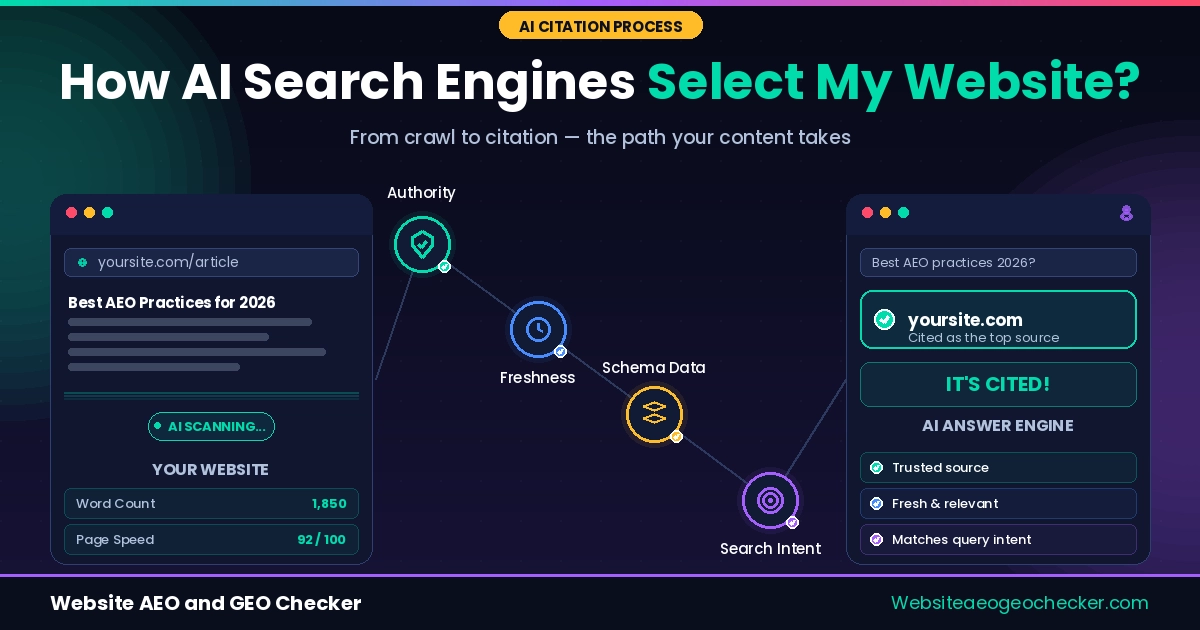
Crawling is step one. Reading is step two. And this is where most content falls apart.
When reading your site, AI engines are looking to extract a passage that answers a question. They are not looking to read your content. If your site doesn't answer a question directly and is easy to extract from, they will move on to a different site.
The most common pattern is that the first few paragraphs are context, and AI will stop reading before it finds the answer to the question. If your site does not answer the question directly, AI will extract from a different site.
Real example: Priya, a health and wellness coach with a WordPress blog and solid domain authority, could not understand why none of her posts appeared in Gemini or ChatGPT answers despite solid Google rankings. She ran her top pages through the Website AI SEO Checker and discovered that every single post opened with a 200 - 250-word personal introduction before reaching the actual point. She rewrote the opening paragraph of her top eight posts in a single afternoon, putting the direct answer first and moving the story to the second section. Three of those posts started appearing in Perplexity citations within 5 weeks.
The 'fix' is that the answer needs to be on the front foot rather than on the back foot. Your direct answer should now sit in the first 100 words. Attend to the questions in the subheadings and answer them exactly as a person would. Make sure you keep your answer to a maximum of three sentences. This is how you make sure you can answer the audience who will read your content, without having to read it beforehand.
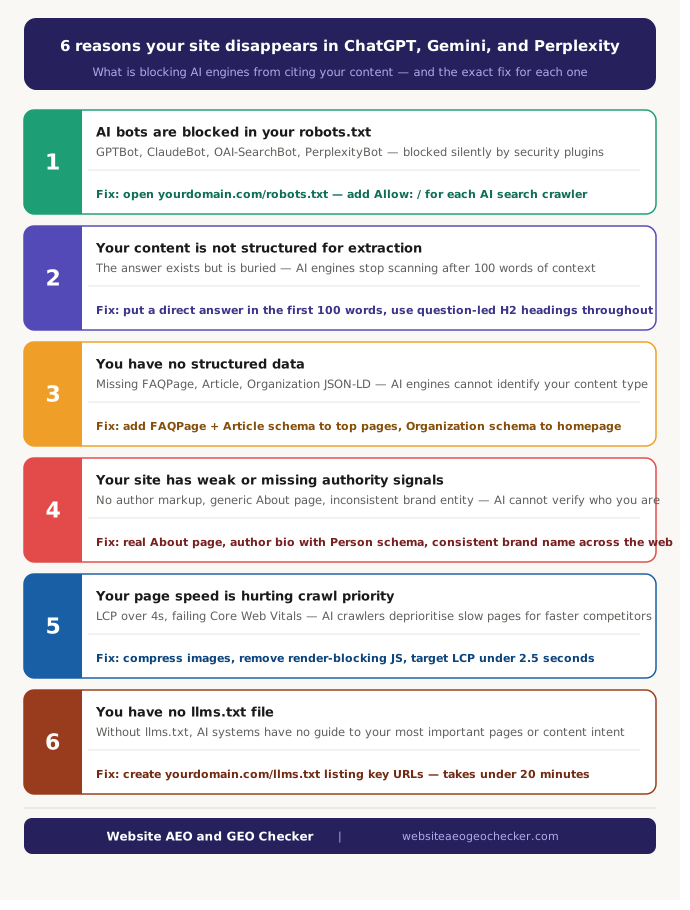
Reason 3: You Have No Structured Data
Schema markup is the machine-readable layer that tells AI engines what your content is, who wrote it, and what questions it answers. Without it, your page is an unidentified block of text.
There is honesty in saying that the research is really mixed. The control pages, matched by Ahrefs, showed no statistically significant uplift in AI citations, even though 1,885 pages tracked by Ahrefs added JSON-LD schema between August 2025 and March 2026. Using a schema, by itself, is not going to be a shortcut to a solution.
There is actually a lot more to that headline. Between an AirOps and Kevin Indig analysis, it was found that 16,851 queries and 353,799 pages showed that pages with JSON-LD were cited 38.5% of the time, compared to 32.% without it. Using schema was found to be the third most vital element of citation, along with structure and HTML metadata freshness.
There is no magic to using a schema. It is a base construction. It allows AI to be more sure about the page, the author, and the content, and make a judgment call if it is of an editorial nature. The most important types to include are FAQPage for question and answer sections, Article or BlogPosting for every guide and post, Organization on the homepage, and BreadcrumbList on each page of the site.
The full implementation guide is in our article on how structured data helps AI find your content. Start with FAQPage and Article schema on your highest-traffic pages. Both can be validated free through Google's Rich Results Test.
Reason 4: Your Site Has Weak or Missing Authority Signals
AI engines do not just evaluate what you say. They evaluate whether you are a credible source worth citing. And this is where a lot of technically clean sites fall down.
The signals that matter here fall under EEAT: Experience, Expertise, Authoritativeness, and Trustworthiness. But in practical terms, they translate to three specific things AI engines look for.
First: Write your actual About page. Not that "we are a passionate team dedicated to excellence" nonsense. Include who you are, your background, when you started, and justify to the audience your trust in your perspective on this topic. AI engines analyze About pages to establish entity credibility.
Second: Use author markup on every article. Every article needs to visibly note the author and link to a page with the author's credentials. Use the Person schema on authors. Anonymous content scores lower on all AI platforms.
Third: consistent brand entity signals across the web. Your brand name, URL, and description should match across your site, LinkedIn, social profiles, and any directory listings. AI engines cross-reference these signals to confirm you are a known, verifiable entity. Inconsistencies create doubt. Check how your brand currently appears in AI-generated answers using the Free AI Visibility Checker.
We have checked thousands of sites. The number one trust signal missing from small business sites is a real About page. A generic two-line company description does not give AI engines anything to work with. - Website AEO GEO Checker