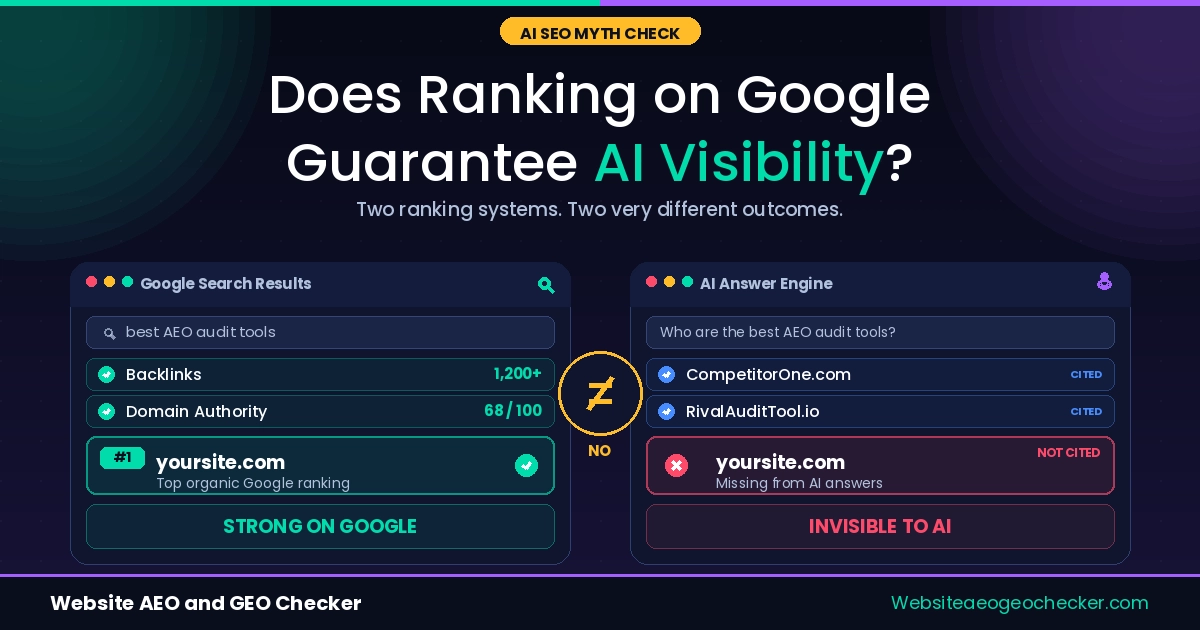
Your site ranks on Google. But when someone asks ChatGPT about your topic, your brand is not mentioned.
This is happening to most websites right now. And it is not random.
ChatGPT does not work like Google. It does not rank pages by links or keywords. It pulls from what it understands, trusts, and can read. If your site is unclear, blocked, or unknown, it gets skipped.
In this article we cover the 10 most common reasons why your site is not showing in ChatGPT answers. Each one includes what is happening, why it happens, and exactly what to fix.
You can also run a free check using our AI Visibility Checker to see which of these issues your site has right now.
Why ChatGPT Ignores Most Websites
ChatGPT is not a search engine. It does not browse the web for every answer.
It pulls from training data, indexed content, and real-time web search (when enabled). To be cited, your site needs to be crawlable, structured, trusted, and clear. Most sites fail on at least three of these.
Here are the 10 reasons, and how to fix each one.
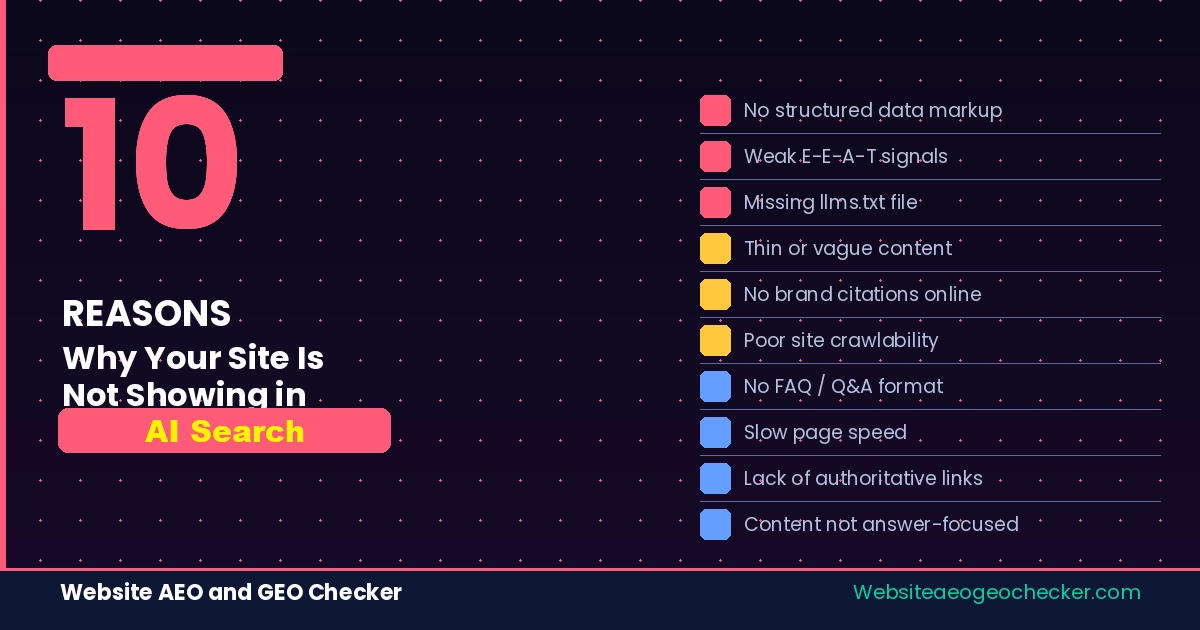
10 Reasons Your Site Is Not Showing in ChatGPT Answers
Reason 1: You Are Blocking AI Crawlers
What is happening: GPTBot or OAI-SearchBot is blocked in your robots.txt file.
Why it happens: Many hosting providers and security plugins block bots by default. Cloudflare firewall rules, Wordfence on WordPress, and some CDN setups do this silently. You may have no idea it is happening.
How to fix it: Open yoursite.com/robots.txt in your browser. Look for any line that says:
User-agent: GPTBot
Disallow: /
If you see that, ChatGPT literally cannot read your site. Remove the block or change Disallow: / to Allow: /.
Also check for OAI-SearchBot, ClaudeBot, and PerplexityBot. Blocking these removes you from multiple AI platforms at once.
Use our free AI Crawler Checker to see which bots are blocked on your site in seconds.
Real example: Mia, a freelance nutritionist, had spent months writing detailed blog posts about gut health. None of them appeared when she asked ChatGPT about the topic. She ran our AI Crawler Checker and found that her WordPress security plugin had added
Disallow: /for GPTBot automatically during an update. She removed the rule. Within four weeks, ChatGPT began citing her FAQ page in relevant answers.
Reason 2: You Have No Structured Data (Schema)
What is happening: Your pages have no schema markup.
Why it happens: Most websites are built without structured data. It is not required for a site to work, so many builders skip it entirely.
How to fix it: Add JSON-LD schema to your key pages. Start with:
- Organization schema on your homepage, tells AI who you are
- Article schema on blog posts, identifies the content type and author
- FAQPage schema on any page with questions and answers
Pages with proper schema are significantly more likely to appear in AI-generated answers. AI systems use schema to verify content before citing it.
Use our AEO Checker to see if your pages have the right schema in place.
Reason 3: Your Content Is Not Structured for Direct Answers
What is happening: Your content is written as long paragraphs with no clear question-and-answer structure.
Why it happens: Most content is written for human readers who scroll. AI systems extract chunks. They look for a clear question followed by a direct answer. If that pattern is not there, they skip to the next source.
How to fix it: Go through your main pages. Turn subheadings into questions. Answer directly in the first 1 to 2 sentences below each heading. Keep answers self-contained, they should make sense without the surrounding content.
Bad structure:
## Content for AI Search
AI search is becoming more important. There are many ways to improve your visibility...
Good structure:
## How Do I Get My Content to Appear in AI Search?

Add FAQ sections to your pages. Use question-style headings. Answer directly and completely.
Our Complete AEO Guide has a full section on writing direct answer opening paragraphs.
Reason 4: Your Site Was Not in ChatGPT's Training Data
What is happening: ChatGPT has a knowledge cutoff. If your site was small, new, or not widely cited before that cutoff, it was never included.
Why it happens: ChatGPT learned from curated datasets, not the entire web. Sites with high authority, external mentions, and clear content were more likely to be included. New or niche sites were not.
How to fix it: You cannot go back in time. But you can build presence now on sites that ChatGPT does read:
- Get mentioned in industry blogs and directories
- Answer questions on Reddit, Quora, and niche forums
- Add an
llms.txtfile to your site, this is a plain text file that tells AI systems who you are and what you do
Check if your site has an llms.txt file with our free llms.txt Checker.
Reason 5: You Have No Author or Trust Signals
What is happening: Your pages have no author name, no publish date, and no links to external sources.
Why it happens: Many sites are built to look clean and minimal. Author credits and dates are left out by design. But AI systems use these as credibility signals.
How to fix it: Add to every page or post:
- Author name (a real person or your brand name)
- Publish date and last updated date
- At least one link to a reputable external source
Anonymous content with no date gets deprioritized by AI systems. They prefer content they can verify.
Reason 6: Your Site Uses JavaScript Rendering
What is happening: Your content loads through JavaScript (React, Vue, Next.js without SSR, etc.).
Why it happens: Many modern site builders and frameworks render content client-side. This looks fine to human visitors. But AI crawlers do not execute JavaScript. They see an empty page.
How to fix it: Enable server-side rendering (SSR) or static site generation (SSG) for your key pages. If you use Next.js, switch to getServerSideProps or getStaticProps. If you use a site builder, check if it pre-renders HTML.
This is one of the most common invisible problems. Your site may look great, but AI sees nothing.
Reason 7: You Have No Topical Authority
What is happening: Your site covers too many unrelated topics.
Why it happens: Many websites try to cover everything. A page about SEO next to a page about recipes next to a page about travel. This signals to AI that the site has no clear expertise.
How to fix it: Pick one core topic. Build a content cluster around it. This means:
- One main pillar page that covers the topic fully
- Several supporting posts that go deeper on subtopics
- Internal links that connect them all
AI systems prefer sources that clearly specialise. The narrower and deeper your content, the more trustworthy you appear.
Reason 8: Your Brand Has No Online Presence Beyond Your Website
What is happening: Your site exists. But there is nothing else online that confirms it is real and relevant.
Why it happens: Many businesses launch a website and stop there. No directory listings, no mentions in articles, no presence on third-party platforms.
How to fix it: AI systems verify identity through external signals. To build that presence:
- Get listed in industry directories
- Write guest posts on relevant sites
- Earn mentions in articles (even without a link)
- If relevant, create a Wikipedia or Wikidata entry for your brand
The more your brand appears in trusted external sources, the more confident AI systems become in citing you.
Reason 9: Your Page Speed and Core Web Vitals Are Poor
What is happening: Your pages load slowly or fail Core Web Vitals checks.
Why it happens: Speed issues often build up over time, added plugins, uncompressed images, third-party scripts. Many site owners do not realise how slow their site has become.
How to fix it: Run a check. Fix LCP (Largest Contentful Paint) first, this is the biggest factor. Compress images, remove unused scripts, and use a CDN.
AI systems use performance as a trust signal. A slow site signals low quality. A fast site signals care and reliability.
Use our Page Speed Test with AI Readiness to check your site's performance and see how it affects your AI visibility score.
Reason 10: You Have Never Checked What ChatGPT Actually Knows About You
What is happening: You are assuming the problem without testing it.
Why it happens: Most people check their Google rankings. Almost no one checks what AI systems actually know about their brand.
How to fix it: Open ChatGPT and ask: "What do you know about [your brand name]?" and "Who are the best resources on [your topic]?"
The answers tell you exactly where you stand. If ChatGPT says nothing, you need to build presence. If it says something wrong, you need to fix your content and structured data so the right information is clear.
Then check your full AEO score to see which technical issues are holding you back.
How to Check Your AEO Score Right Now
You do not need to check each of these 10 reasons manually.
Our free tools run over 50 checks across crawlability, schema, content structure, speed, and AI visibility signals. You get a clear score and a list of what to fix first.
Start with these three:
- AI Crawler Checker, are AI bots blocked on your site?
- robots.txt Checker, what does your robots.txt file allow?
- AEO Checker, full AEO score with specific fixes
You can also browse all tools from our Tools Directory.