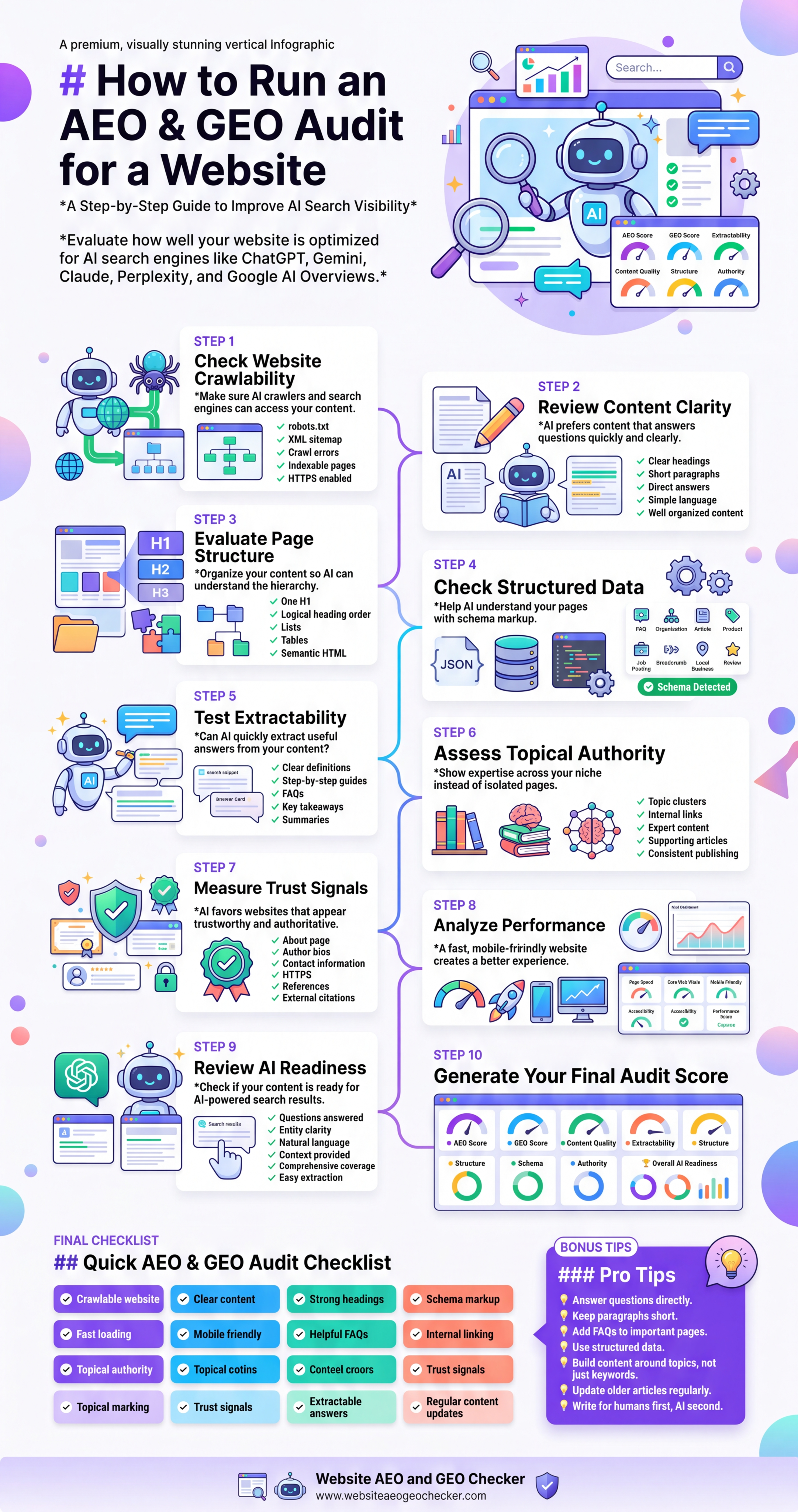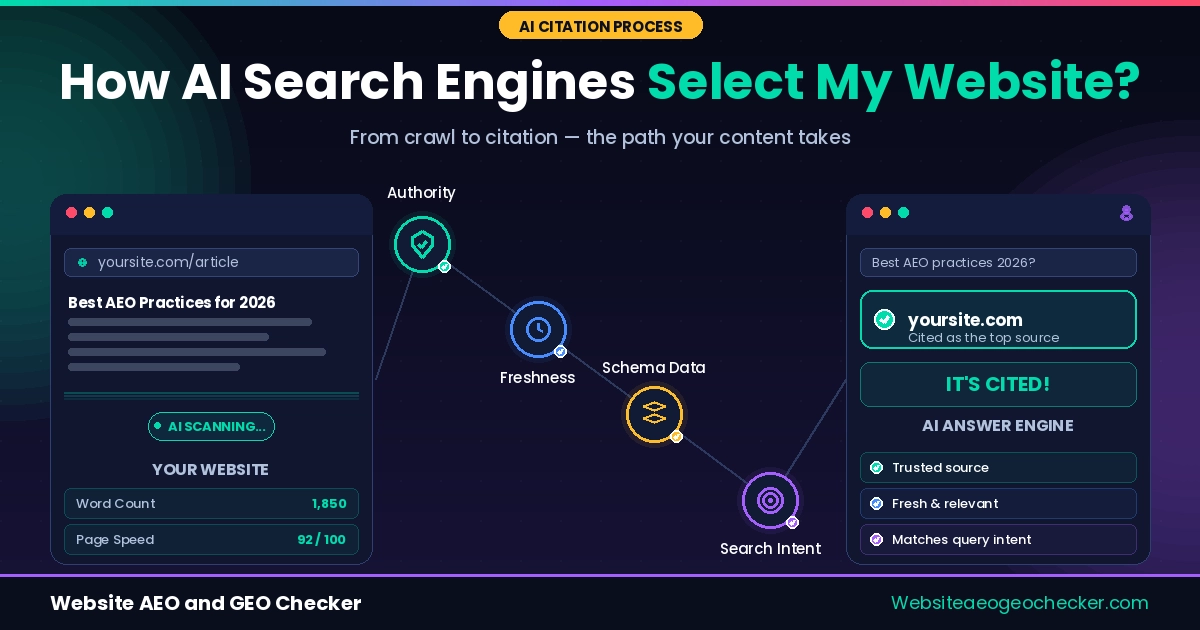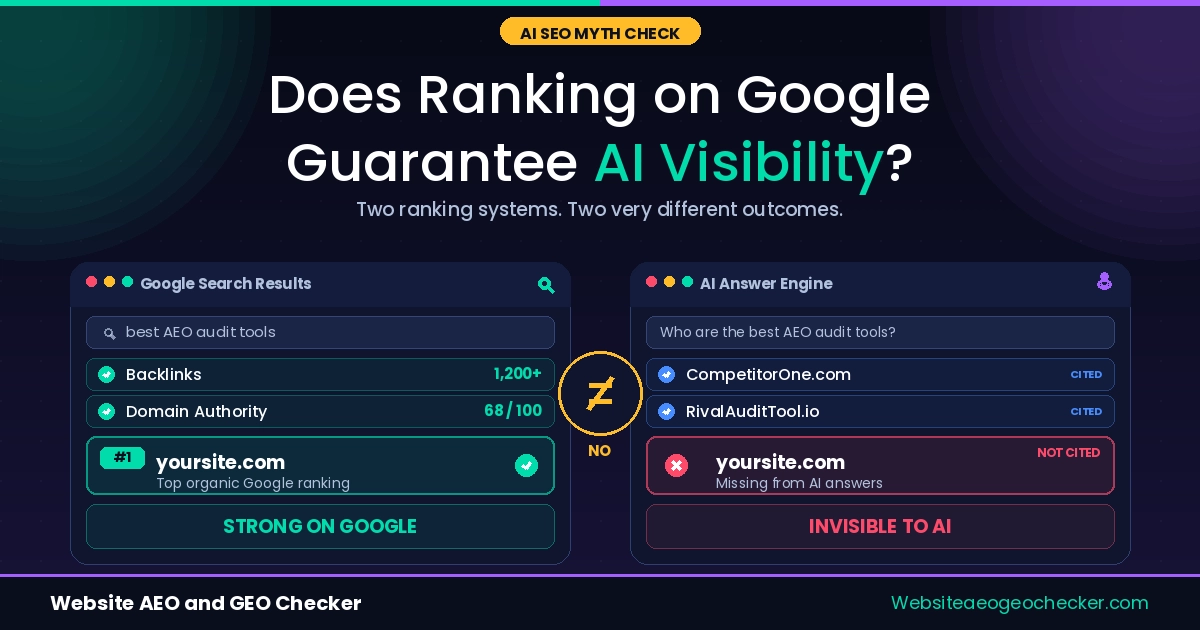
You should understand by now that your site needs to rank when ChatGPT or Perplexity gets asked a question that falls into your niche. The unfortunate part is that no one has ever taught you how to check for that or how to solve it. Most checklists for SEO audits only cover rankings on Google and provide no other clues about what will make AI tools mention you.
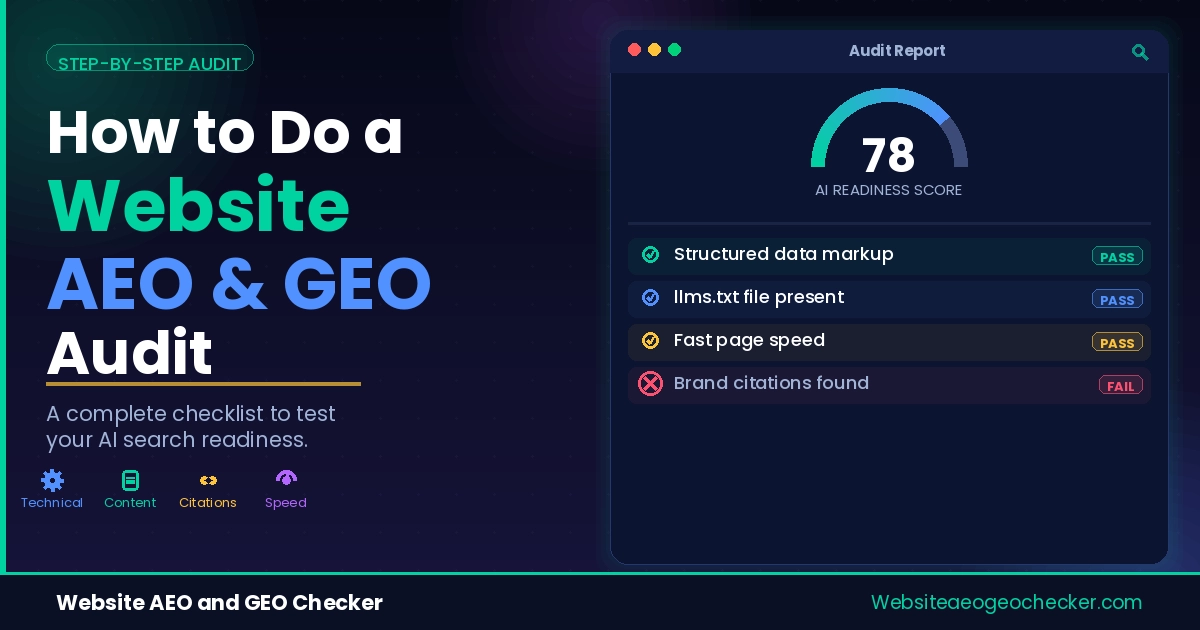
This will be the first solution for you for this problem. We created a free AEO Checker and GEO Checker, and this article outlines the exact process we would use for an actual website audit. There are eight steps, one tool per step, and for each tool we will describe what a favorable outcome is and what you should do if you don't get that outcome.
By the end, you'll have checked your crawlability, your structured data, your robots.txt, your llms.txt file, your page speed, and whether AI systems are actually citing you. That's a full audit, not a guess.
Why Most "SEO Audits" Miss AI Visibility Entirely
The old ways of doing SEO audits include checks on title tags, backlinks, and keyword density. All those things are still important, but they won't tell you whether GPTBot can access your homepage or if your schema is broken and excludes you from AI systems' answers.
An AEO Checker tool handles a completely different layer of the problem. It looks at crawl access, structured data, content clarity, and a number of the technical signals AI systems will read and then cite.
Running an aeo checker online takes a few minutes and gives you a starting score. The eight steps below turn that score into an actual action plan.
Step 1: Check Crawlability with the AI Crawler Checker
Before anything else matters, confirm that AI crawlers can reach your site at all. If GPTBot, ClaudeBot, or PerplexityBot is blocked, nothing else in this audit changes the outcome. Run your domain through the Free AI Crawler Checker and look at each bot individually rather than a single pass or fail score.
A typical result looks like this:
GPTBot → Blocked (robots.txt: Disallow: /)
ClaudeBot → Allowed
PerplexityBot → Allowed
Google-Extended → Blocked
OAI-SearchBot → Allowed
A good result means that your search & retrieval bots (PerplexityBot, OAI-SearchBot, ChatGPT-User) are allowed, even if you are intentionally blocking training-only bots. A poor result usually means one blanket rule is blocking every AI bot, which is often left over from a security plugin's default settings. If this is the case, go directly to Step 4. Fix your robots.txt file. This is the most important step to take before doing anything else, because the following steps are designed with the assumption that the crawler can access the site.
Step 2: Run the AEO Checker and Read It Section by Section
Once crawlability is confirmed, run the full Free AEO Checker. This is the aeo checker tool that scores your content clarity, direct-answer formatting, heading structure, and how easily an AI system can lift a clean answer from your page.
Don't just look at the overall number. Read each section on its own. A strong content score paired with a weak "direct answer" score usually means your writing is good but buried, the actual answer to the reader's question shows up in paragraph four instead of paragraph one. Our guide to writing a direct-answer opening paragraph walks through the fix in detail if that's the section dragging your score down.
Using an aeo checker online regularly, not just once, is what actually moves the needle. Content clarity drifts as pages get edited over time, so a score from six months ago won't reflect your site today.
Step 3: Run the GEO Checker and Find Your Structured Data Gaps
Next, run the Website GEO Checker, our free geo score checker that focuses specifically on structured data, entity clarity, and the technical signals generative engines use to understand what your page is actually about. You don't need to install anything for a free geo browse online check like this, it runs directly against your live URL in the browser.
A recent audit of 5,000 production sites found that 71% of sites deploy at least one schema type, but only 22% pass validation cleanly across every type they emit. That 49-point gap is almost always where a GEO Checker scan finds problems, not in missing schema, but in schema that's present and broken.
Here's what that gap looks like in practice. Before, a common but incomplete implementation:
{
"@context": "https://schema.org",
"@type": "WebPage",
"name": "Acme Analytics"
}
After, fixed with a specific type and the properties AI systems actually check for:
{
"@context": "https://schema.org",
"@type": "SoftwareApplication",
"name": "Acme Analytics",
"applicationCategory": "BusinessApplication",
"operatingSystem": "Web",
"offers": {
"@type": "Offer",
"price": "29.00",
"priceCurrency": "USD"
},
"aggregateRating": {
"@type": "AggregateRating",
"ratingValue": "4.6",
"ratingCount": "214"
}
}
Real example: Daniel Cho runs a small SaaS analytics tool & ran the GEO Checker for the first time expecting a clean pass, since his site already had schema. The scan flagged his homepage as generic WebPage markup with no product, pricing, or rating data attached, exactly the kind of gap the 5,000-site audit above found everywhere. He swapped in SoftwareApplication schema with real pricing and review data. Within 3 weeks ChatGPT started naming his tool alongside 2 competitors when asked for small-team analytics options.
Step 4: Check robots.txt for Blocked AI Bots
If Step 1 flagged a blocked bot, this is where you fix it. Open your robots.txt file directly, or run it through our robots.txt Checker, and look for blanket rules that block every AI user agent without exception.
25% of the top 1,000 websites now block GPTBot, up from just 5% in early 2023, and most of that growth is intentional policy, not accident. The distinction that matters is training bots versus retrieval bots. Blocking GPTBot's training crawl doesn't have to mean blocking the bots that power live ChatGPT search results.
A hybrid policy that most enterprise sites now use looks like this:
# Allow AI search and retrieval bots
User-agent: OAI-SearchBot
Allow: /

User-agent: PerplexityBot
Allow: /

User-agent: ChatGPT-User
Allow: /

# Block AI training bots
User-agent: GPTBot
Disallow: /

User-agent: CCBot
Disallow: /

User-agent: Bytespider
Disallow: /

# Protect sensitive paths from everyone
User-agent: *
Disallow: /account/
Disallow: /checkout/
Disallow: /api/
This is worth getting right. We have evidence to show that 61% of enterprise sites now use separate rules rather than a single blanket rule to segregate their public content from the paths containing sensitive content.
Step 5: Check Your llms.txt Status
llms.txt is a plain-text file at the root of your domain that lists your most important pages for AI systems to read. Run it through our llms.txt Checker to see if you have one and whether it's formatted correctly.
Set expectations honestly here. Only about 8.7% of the world's top 1,000 websites publish an llms.txt file as of mid-2026, and having one hasn't been shown to directly improve your odds of being cited. It's worth shipping anyway because it costs almost nothing and it's already being read by IDE agents and documentation tools, even if the major AI search crawlers haven't fully adopted it yet.
A minimal working example:
# Acme Analytics

> Acme Analytics helps small teams track product usage without writing SQL.

## Docs
- [Getting Started](https://acmeanalytics.com/docs/getting-started): install the SDK and see your first event in 5 minutes
- [API Reference](https://acmeanalytics.com/docs/api): full endpoint list with request and response examples

## Pricing
- [Plans](https://acmeanalytics.com/pricing): current plan tiers and limits
If the checker shows no file at all, this is a low-effort fix. Read our guide to what llms.txt actually does before you write yours, since a badly structured file is barely better than having none.