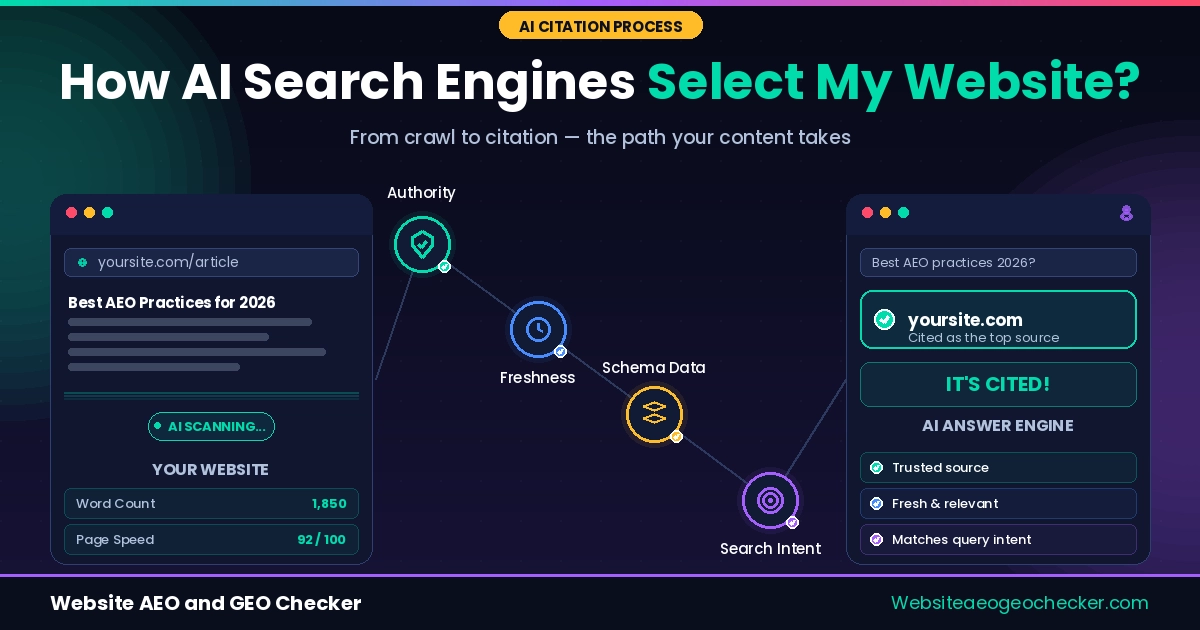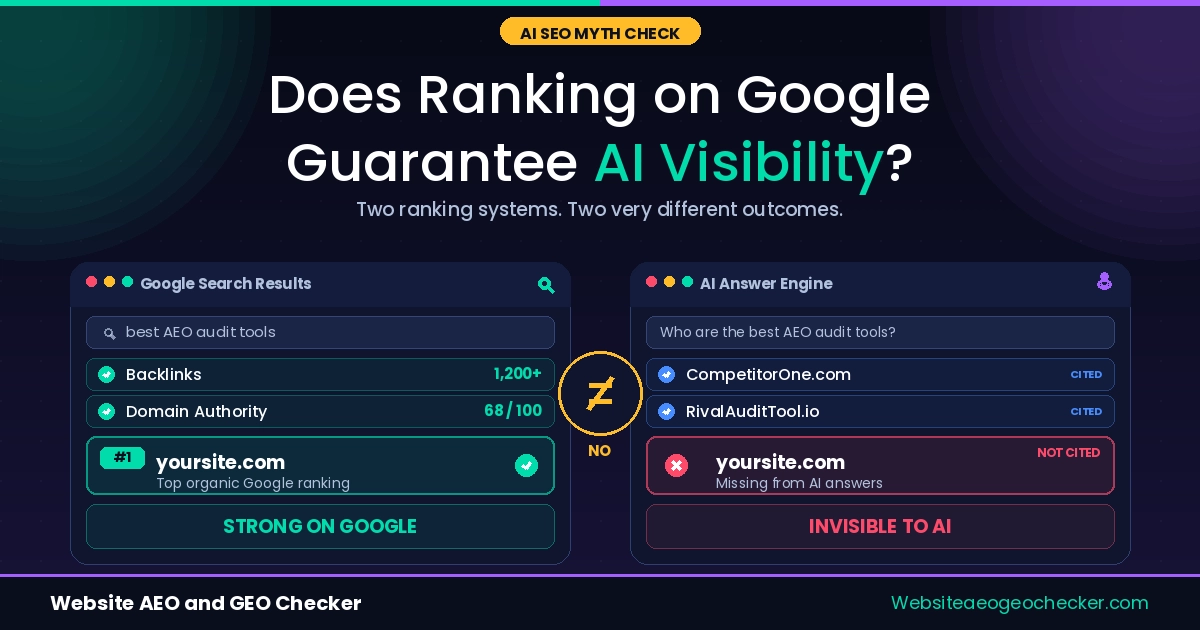
Your site ranks in Google. You have decent traffic. But when someone asks ChatGPT, Perplexity, or Gemini a question your content answers perfectly, but your site never gets mentioned.
This is the most common frustration we hear. And the reason is almost never content quality. The reason is that AI engines read websites differently from Google, and most sites are not set up for how they read.
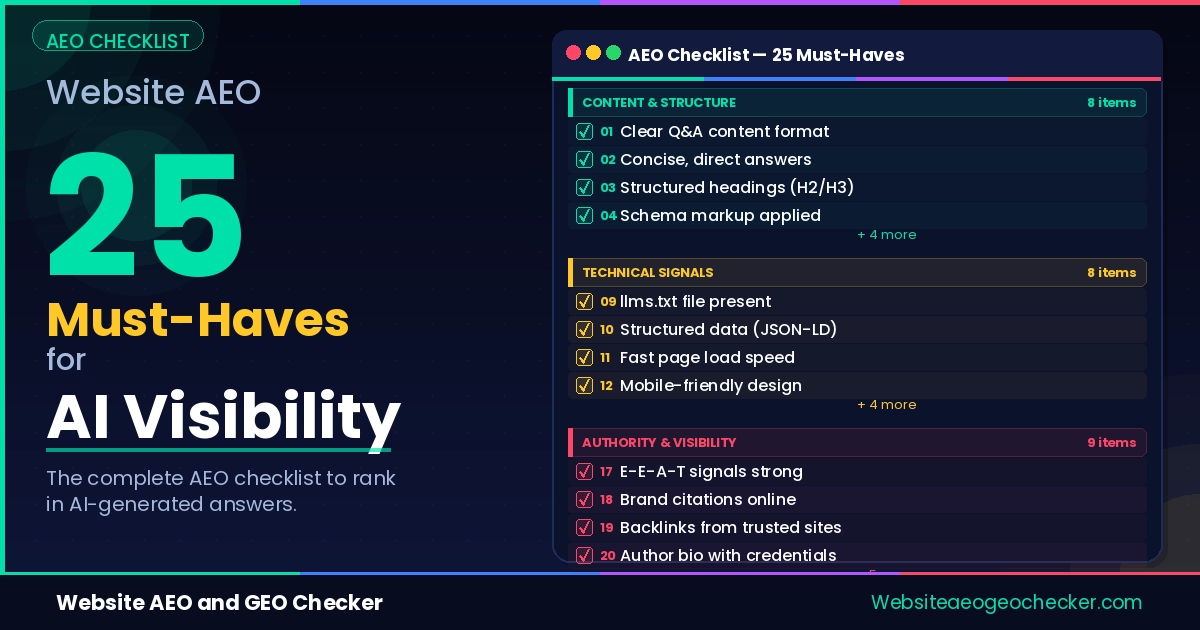
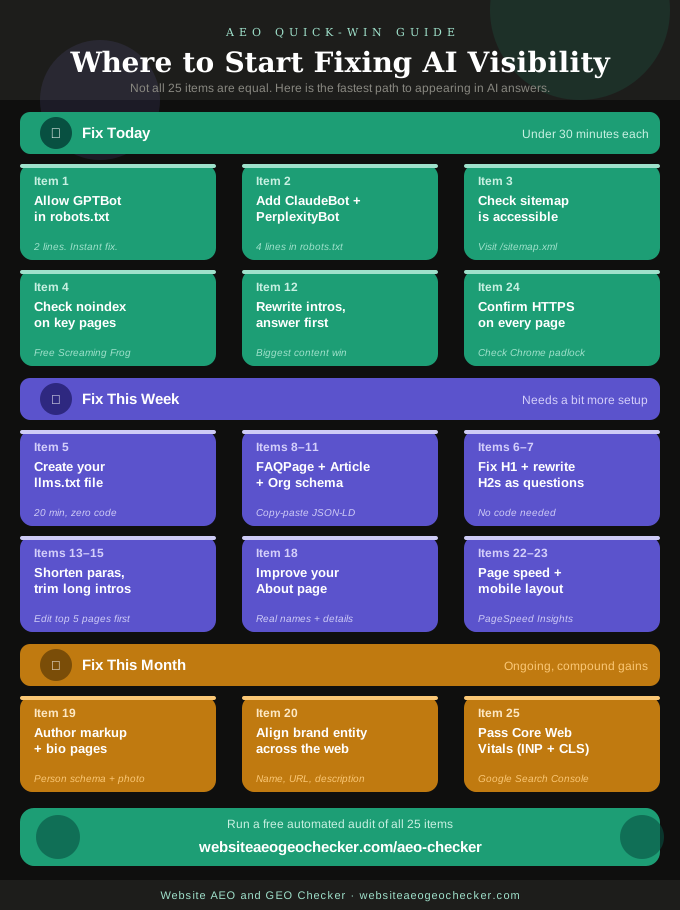
This checklist will help you understand how to audit your site for crawlability, structure, content format, authority signals, and technical hygiene. It contains 25 actionable items. These are not suggestions. These are things you can implement immediately to help AI engines discover, read, and cite your content.
Use the Free Website AEO Checker to run an automated audit across most of these items if you want a faster starting point.
1. Crawlability: Can AI Bots Actually Reach Your Site?
Before an AI engine can cite your content, it must be able to crawl it. Many sites, through misconfigured robots.txt files or security plugins that misidentify all crawlers as threats, block AI engines.
These five items are the first thing we check when a site is invisible in AI answers:
GPTBot is not blocked in your robots.txt Open your robots.txt file at yourdomain.com/robots.txt and search for GPTBot. If you see User-agent: GPTBot followed by Disallow: /, your content is invisible to ChatGPT. To allow it: User-agent: GPTBot on one line, Allow: / on the next; Learn more about OpenAI web crawlers here: OpenAI.
ClaudeBot and PerplexityBot are explicitly allowed These two crawlers are often absent from robots.txt entirely, which means they fall under your wildcard rule. If your wildcard allows all bots, you are fine. But if your default is restrictive, add explicit allow rules for ClaudeBot and PerplexityBot.
Your XML sitemap is submitted and accessible Go to yourdomain.com/sitemap.xml. If it loads, it exists. If it throws a 404, fix that first. Then confirm it is referenced at the bottom of your robots.txt file:
Sitemap: https://yourdomain.com/sitemap.xml. AI crawlers use sitemaps to discover pages they might otherwise miss;No critical pages have a noindex tag A noindex tag tells crawlers not to index a page. If it is on a page you want cited, it will never appear in AI answers. Check your most important pages for
<meta name="robots" content="noindex">in the HTML head. Screaming Frog's free version can scan up to 500 URLs for this.Your site has an llms.txt file llms.txt is a simple text file at yourdomain.com/llms.txt that signals to AI systems which pages are most important and how your content should be used. It takes under 20 minutes to create. Check whether yours exists and whether it is correctly formatted using the Free llms.txt Checker.
Read more about fixing crawlability issues in our guide on how to fix your robots.txt for AI crawlers.
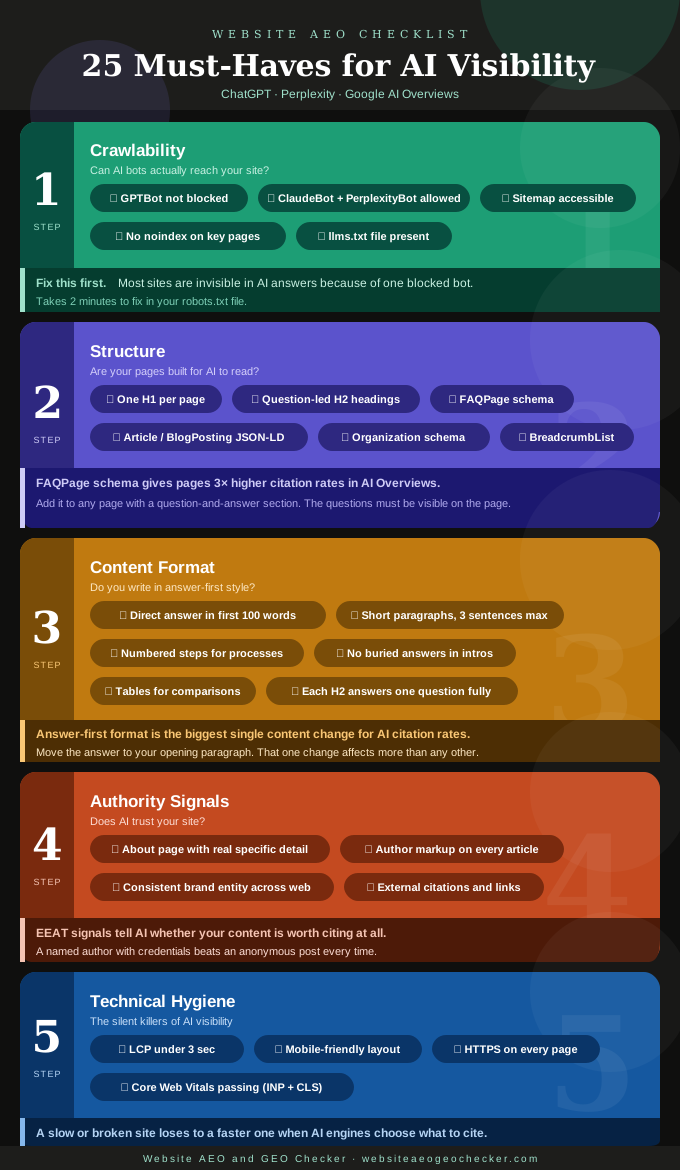
2. Structure: Are Your Pages Built for AI to Read?
Crawling your site is the first step, and reading it is the second. AI engines examine the structure of your site and determine the content, the author, and the questions that it can answer. If your site is structured clearly, it will be cited. If it is unclear, it will be overlooked.
One clear H1 per page Every page should have exactly one H1. It should match or closely reflect the main topic of the page. Multiple H1s confuse crawlers. A missing H1 means the page has no declared subject. Check this in your browser's developer tools or any on-page SEO extension;
Question-led H2 headings AI engines are trained to answer questions. When your H2 headings are phrased as questions, they match the format AI uses to extract answers. "What is structured data?" works better than "Structured Data Overview." Go through your key pages & rewrite flat H2s as questions where the content supports it. Test website with Google Structured data here.
FAQPage schema on every relevant page Even tough, Google is not supporting this anymore, but still FAQPage structured data has one of the highest citation rates among all schema types for many other search engines. Pages with FAQPage markup are significantly more likely to appear in Google AI Overviews and Perplexity citations than pages without it.
Add JSON-LD FAQPage schema to any page that has a question-and-answer section. The questions must be visible on the page, not only in the code.
- Article or BlogPosting JSON-LD on every post Every blog post and guide should have Article or BlogPosting schema. This tells AI engines the content is editorial, when it was published, when it was last updated, and who wrote it. Without it, your post looks like an unidentified block of text.
AI visibility is no longer optional. If your site is not structured for AI answers, you are already invisible. - Website AEO GEO Checker
Organization schema on your homepage Your site is considered a known entity by AI when your organization's schema is included. It contains your brand name, your URL, your logo, and your social profiles. AI engines use your schema to connect your content to a verified source. Without it, there is no place for them to connect citations to. This is one of the most frequently overlooked schema types.
BreadcrumbList schema on interior pages Breadcrumb schema tells AI engines the place of a page in the site's structure. It also improves how your URL is displayed in the search results. Implement it on every page, including your blog posts, guides, tool pages, and category pages. Read our guide on how structured data helps AI find your content for the exact JSON-LD code for each type.
3. Content Format: Do You Write in Answer-First Style?
This is where most sites lose. The content exists. The answer is there. However it is buried under 3 paragraphs of context that AI engines read past before giving up.
- A direct answer appears in your first 100 words AI engines look for a standalone answer near the top of the page. If the question "What is AEO?" is posed, your AEO page should provide a complete response to that question in two to three sentences in the first paragraph. The additional content provides elaboration. This is the answer-first format, and it is the most impactful content strategy change to date for AI citation rates.
Real example: Saira, a freelance nutritionist, had a well-ranked blog covering over 200 topics. None of her content appeared in Perplexity or ChatGPT answers despite consistent Google traffic. She ran her top five posts through our AEO and GEO Checker and found that every post opened with a two-paragraph personal story before getting to the point. She rewrote the openings to lead with a direct answer and moved the context to the second section. Within 6 weeks, two of those posts started appearing in Perplexity citations for nutrition questions.
Paragraphs are short (3 sentences or fewer per block) Long paragraphs do not support AI citation. Dense passages inhibit AI engines when scanning your page for a quote and are preferable to long blocks of text. Anything longer than four sentences should be broken up. Each paragraph should be limited to a narrow focus and contain one clear point.
Step-by-step content uses numbered lists When a content explains a process, AI citation is more likely when instructions are formatted as clear and distinct steps. This format is also how AI is likely to respond to a user's request for a similar type of instruction. Review all the how-to content on your site. If that content is more similar to regular prose than to numbered steps, revise those steps.
No buried answers under long introductions Think about the most important pages on your site. For those pages, what is the most important question your page is attempting to answer? Count how many words are before the answer is given. An average answer given by AI is expected to be within the first 150 words of the content. If the answer is given after the first 150 words, the introduction is too long. Most content consumers, including AI engines, want the answer first.
Comparison content uses tables If you are comparing two or more things, a table communicates that comparison faster than prose. AI engines extract table data cleanly and use it in structured answers. Convert any "A vs B" content into a table with clear column headers.
Each H2 section answers one question completely Make sure that anyone landing on any part of your page can understand the main point of each section without reading earlier content. If a support segment refers back to previous content, it is not truly a support segment. Update it so it stands on its own.
4. Authority Signals: Does AI Trust Your Site?
AI engines do not just look at what you say. They look at whether you are a credible source. These four signals tell them who you are, whether you can be trusted, and whether other sources agree.
Your About page has real, specific detail A generic "We are a team of experts" About Page offers AI systems little to analyze. Your About Page should clearly state who you are, your experience, when you started, and what you do. This forms the basis of EEAT: Experience, Expertise, Authoritativeness and Trustworthiness. Ensure your About Page explains why your site deserves trust.
Author markup is present on every article Every blog post and guide must have a visible author name and link to an author bio page. The bio page should contain all the author's credentials, links to social media, and a photo. Add the Person schema to the author page as well. AI systems check for authorship to determine if a piece of content is worth citing. No authorship content is rated as less trustworthy by AI.
Your brand entity is consistent across the web Search for your brand name across Google, LinkedIn, Twitter/X and your Google Business Profile (if you have one). The name, URL, and description should match what is listed on your site. Inconsistencies make it more difficult for AI systems to confirm your identity. This is sometimes called NAP consistency in local SEO. The same principle applies globally.
Other sites reference or link to your content AI engines learn from patterns across the web. If other credible sources reference your content, quote your findings, or link to your pages, your authority score increases. This is not something you can fix overnight. But you can start by publishing original data, research, or opinions that give other writers a reason to cite you. Check whether your brand is showing up in AI-generated answers using the AI Visibility Checker.