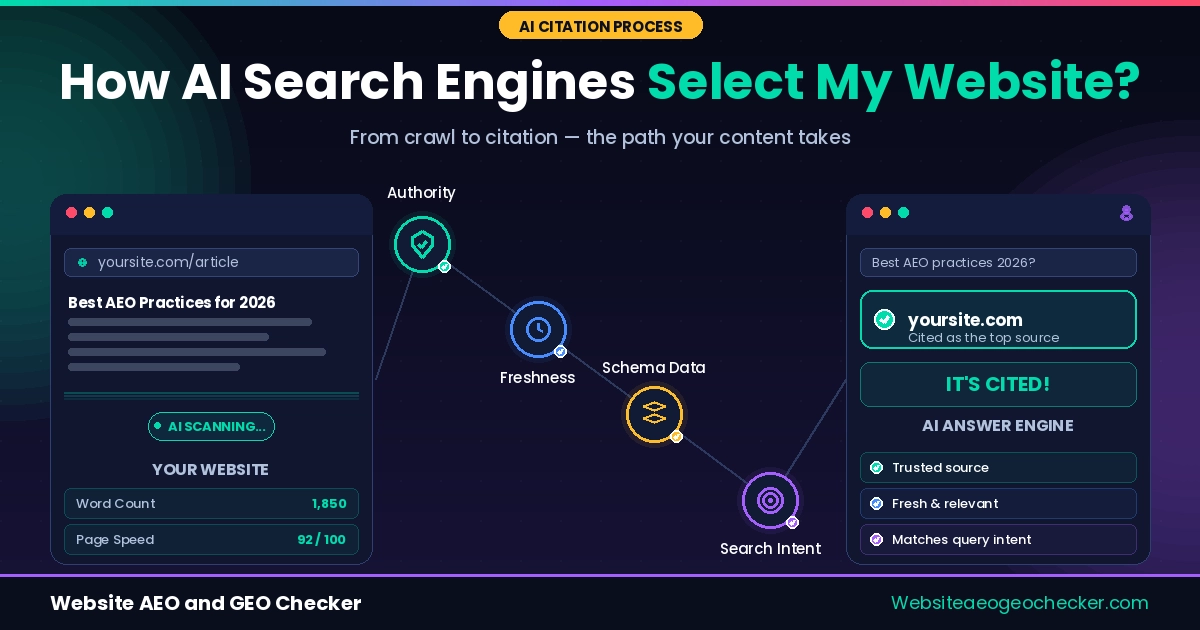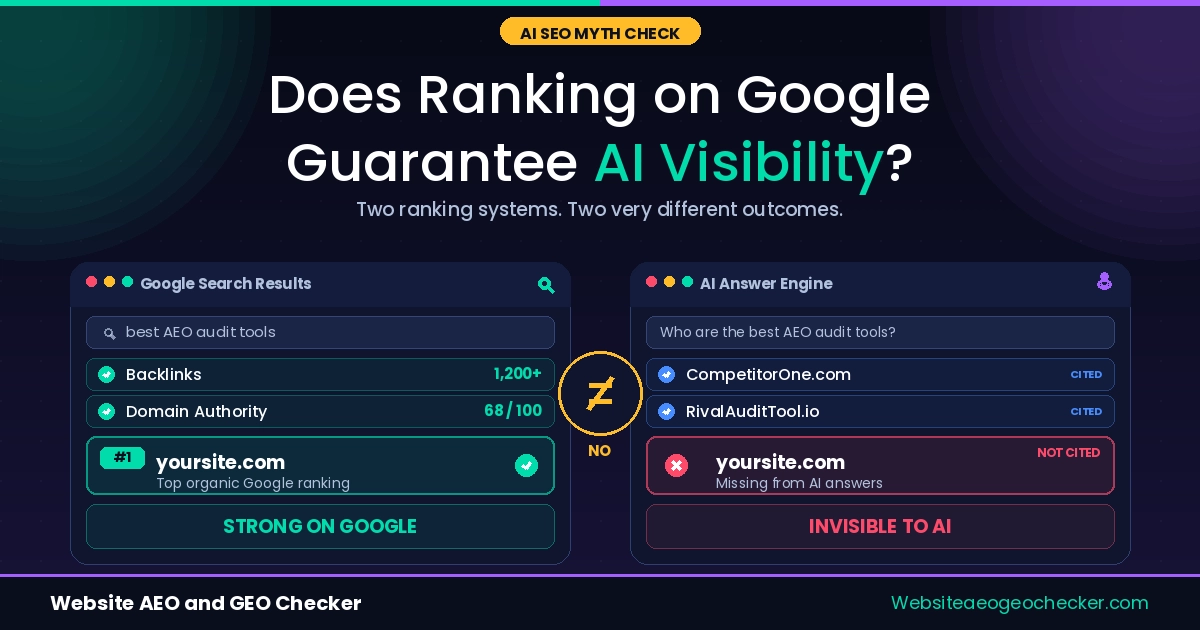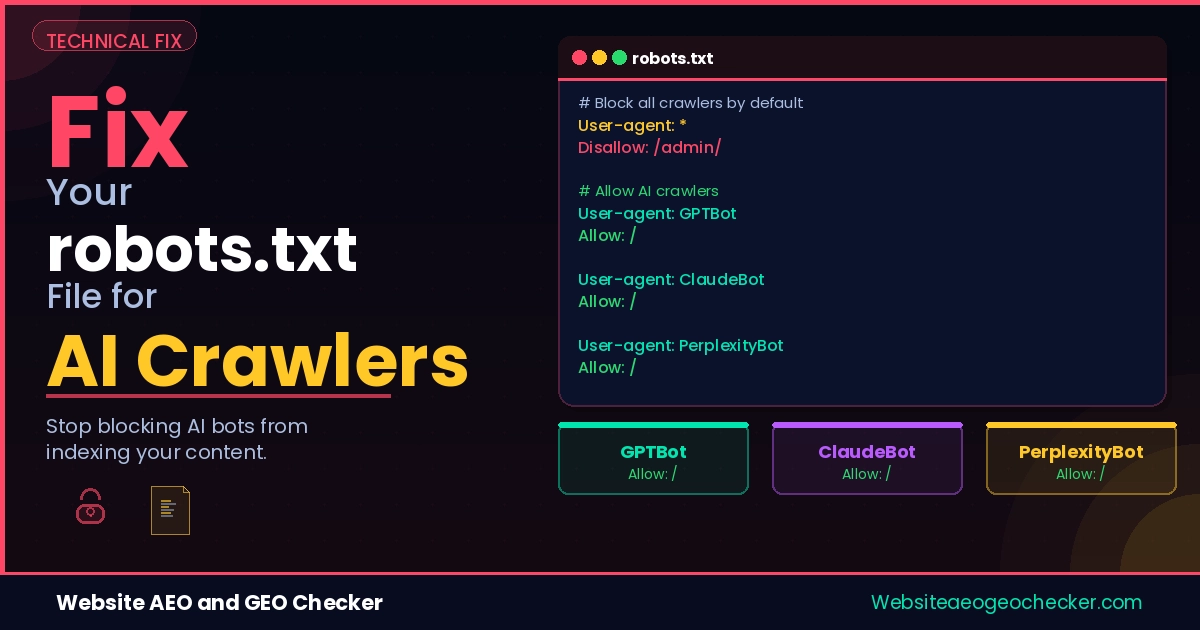
Your site ranks on Google. You have decent content. But ChatGPT, Claude, and Perplexity do not mention you at all.
The most likely reason is sitting in a file most people set up once and never touch again.
Your robots.txt file shows what bots are allowed on your site. As of 2026, it controls what large AI platforms can access and if they can pull citations from your content real-time and respond to AI queries. If configured incorrectly, possibly due to a staging server, it can block all AI crawlers without your knowledge.
This article explains how robots.txt works for AI crawlers, what the most common mistakes look like, and exactly how to fix it. Check your current status first with our free AI Crawler Checker — it shows you which AI bots are allowed and which are blocked right now.
Why Your robots.txt File Matters More Than Ever
robots.txt is a plain text file that lives at the root of your domain at yourdomain.com/robots.txt. It tells crawlers which pages and paths they can access. Most website owners set it up during initial build and forget about it.
The main crawlers to be aware of were always Googlebot and Bingbot. As of 2026, it is more complicated. AI crawlers are now ChatGPT, Claude, Perplexity, Google AI, and more. If your robots.txt file is not designed to block crawlers, they need to check it at first, and if it is designed to block them, they will check it and move on.
OpenAI's official crawler documentation makes this explicit: sites that opt out of OAI-SearchBot will not appear in ChatGPT search answers. That is not a ranking penalty. It is a complete exclusion.
A robots.txt written for Google in 2020 and never updated is almost certainly misconfigured for the AI platforms that now determine your visibility in ChatGPT, Claude, Perplexity, and Google AI Overviews.
Your robots.txt file is no longer just for search engines. If AI crawlers cannot access the right content, your website may disappear from AI-generated answers and summaries. - Website AEO GEO Checker
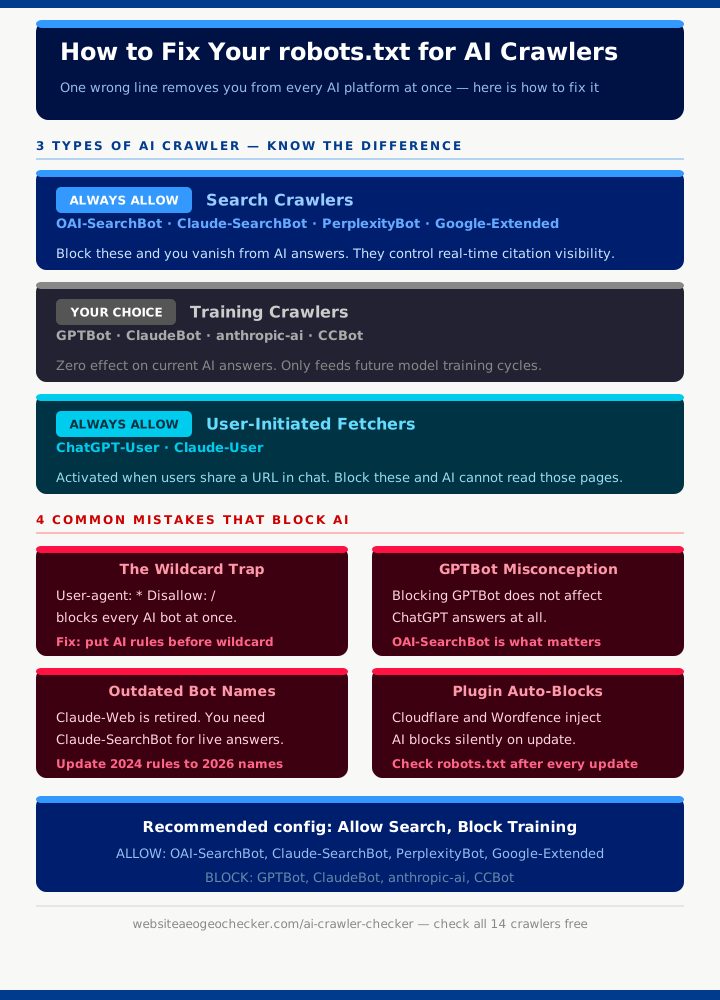
The Three Types of AI Crawlers You Need to Understand
Not all AI crawlers do the same thing. Before you touch your robots.txt file, you need to understand, which type each crawler belongs to. Getting this wrong is how sites end up blocking the wrong ones.
Search Crawlers - Allow These
These crawlers determine your real-time AI citation visibility. Block them and you disappear from AI answers immediately.
OAI-SearchBot - OpenAI's live search crawler. Powers real-time ChatGPT search results. This is the most important AI crawler for immediate citation visibility. Blocking it removes you from ChatGPT search answers regardless of anything else you do.
Claude-SearchBot - Anthropic's live search crawler. Powers Claude's real-time web search feature. Introduced in early 2026, it is missing from most robots.txt files that were last updated in 2024 or earlier.
PerplexityBot - Powers Perplexity AI's entire search and citation engine. Perplexity is one of the most citation-heavy AI platforms , allowing PerplexityBot is often the fastest path to appearing as a cited source in AI answers.
Google-Extended - Google's token for controlling AI product access. Contrary to what many people assume, blocking Google-Extended has no effect on Google Search or on your organic rankings. It only affects Gemini and Google's generative AI features.
Training Crawlers - Your Choice
These crawlers collect data for future model training. Blocking them has zero effect on your current AI search visibility. Your pages will still appear in ChatGPT, Claude, and Perplexity answers even if you block every training crawler.
GPTBot - OpenAI's training crawler. Feeds future ChatGPT model versions. Blocking it does not remove you from ChatGPT search results. Many sites block GPTBot thinking it affects their AI visibility. It does not.
ClaudeBot - Anthropic's training crawler. Separate from Claude-SearchBot.
anthropic-ai - Anthropic's secondary training crawler.
CCBot - Common Crawl, used in many open training datasets.
User-Initiated Fetchers - Always Allow
ChatGPT-User and Claude-User are activated when a user asks an AI to browse a specific URL. If someone shares your page link inside ChatGPT and asks it to summarise the content, ChatGPT-User is what fetches that page. Blocking it means the AI cannot read pages your potential customers are actively sharing.
Real example: Sophie runs an e-commerce store selling specialty kitchen equipment. She had blocked GPTBot in her robots.txt, assuming that would opt her out of AI training while keeping her visible in AI search results; What she had not realised was that her Cloudflare configuration had also quietly blocked OAI-SearchBot and Claude-SearchBot through a broad security rule. GPTBot was technically allowed through , meaning OpenAI was still collecting her content for training , but neither ChatGPT nor Claude could retrieve her pages in real time. She appeared in neither platform's live answers; She ran our AI Crawler Checker, identified both blocks, removed them, and appeared in Perplexity citations for relevant kitchen equipment queries within 3 weeks.
How to Check Your Current robots.txt Right Now
Open yourdomain.com/robots.txt in any browser. Here is what the most common patterns mean.
This blocks every bot, including all AI crawlers:
User-agent: *
Disallow: /
This only blocks OpenAI's training crawler — search crawlers are unaffected:
User-agent: GPTBot
Disallow: /
This blocks ChatGPT search visibility entirely:
User-agent: OAI-SearchBot
Disallow: /
No mention of OAI-SearchBot at all: The bot may still be blocked by a wildcard rule depending on where in the file that wildcard sits. robots.txt uses first-match logic , once a bot matches a rule, it stops reading. If User-agent: * with Disallow: / appears before any specific bot entries, those specific entries are never reached.
Use our robots.txt Checker to see your full file parsed clearly. Then run the AI Crawler Checker to see the exact status of all 14 AI crawlers against your live file.
The Most Common robots.txt Mistakes That Block AI
The Wildcard Trap
This is the most damaging and the most common:
User-agent: *
Disallow: /

User-agent: OAI-SearchBot
Allow: /
This looks like it should allow OAI-SearchBot. It does not. robots.txt uses first-match logic. OAI-SearchBot matches User-agent: * first, gets Disallow: /, and stops reading. The Allow: / rule below it is never reached.
The fix is to place explicit AI bot rules before the wildcard:
User-agent: OAI-SearchBot
Allow: /

User-agent: *
Disallow: /checkout/
Blocking GPTBot Thinking It Blocks ChatGPT Answers
Parse.gl's analysis of AI crawler configurations found this to be one of the most widespread misconceptions in robots.txt management. Blocking GPTBot removes you from OpenAI's training data pipeline. It has no effect whatsoever on ChatGPT's real-time search results. OAI-SearchBot is the crawler that determines that. They are completely independent systems.
Blocking GPTBot while leaving OAI-SearchBot unaddressed means OpenAI is still collecting your content for training; but you are getting no citation visibility in return. The opposite of what most people intend.
A poorly configured robots.txt file can silently block AI systems from understanding your website. Fixing it is now essential for both SEO and AI visibility. - Website AEO GEO Checker
Outdated Anthropic Bot Names
Mersel AI's 2026 crawler guide notes that Claude-Web and Anthropic-AI are retired user-agent names from 2024. Anthropic now uses three separate bots: ClaudeBot for training, Claude-SearchBot for live search, and Claude-User for user-initiated fetching. Sites that added Anthropic rules in 2024 and have not updated since are missing Claude-SearchBot entirely , the bot responsible for Claude's real-time answers.
CDN and Plugin Defaults
There are now many more crawlers, including new ones like ClaudeBot, following the latest 2026 trends. Some tools, like Wordfence on WordPress, many shared hosting providers, and Cloudflare's bot management, automatically block AI crawlers. If you recently changed your hosting, check your robots.txt file. Wordfence or a similar tool may have added this feature for you without you needing to do anything.
The Correct robots.txt Configuration for AI Visibility
Version 1: Full Visibility - Allow Everything
Use this if your goal is maximum AI citation visibility and you have no concerns about training data collection.
# Search and citation crawlers — allow
User-agent: OAI-SearchBot
Allow: /

User-agent: ChatGPT-User
Allow: /

User-agent: Claude-SearchBot
Allow: /

User-agent: Claude-User
Allow: /

User-agent: PerplexityBot
Allow: /

User-agent: Google-Extended
Allow: /

# Training crawlers — allow
User-agent: GPTBot
Allow: /

User-agent: ClaudeBot
Allow: /

User-agent: anthropic-ai
Allow: /

# All other bots
User-agent: *
Allow: /
Version 2: Balanced - Allow Search, Block Training
Use this if you want full citation visibility in AI answers but prefer to opt out of your content being used to train future models.
# Search and citation crawlers — allow
User-agent: OAI-SearchBot
Allow: /

User-agent: ChatGPT-User
Allow: /

User-agent: Claude-SearchBot
Allow: /

User-agent: Claude-User
Allow: /

User-agent: PerplexityBot
Allow: /

User-agent: Google-Extended
Allow: /

# Training crawlers — block
User-agent: GPTBot
Disallow: /

User-agent: ClaudeBot
Disallow: /

User-agent: anthropic-ai
Disallow: /

User-agent: CCBot
Disallow: /

# All other bots
User-agent: *
Allow: /
The critical rule for both versions: place all explicit AI bot directives before any wildcard User-agent: * rule.