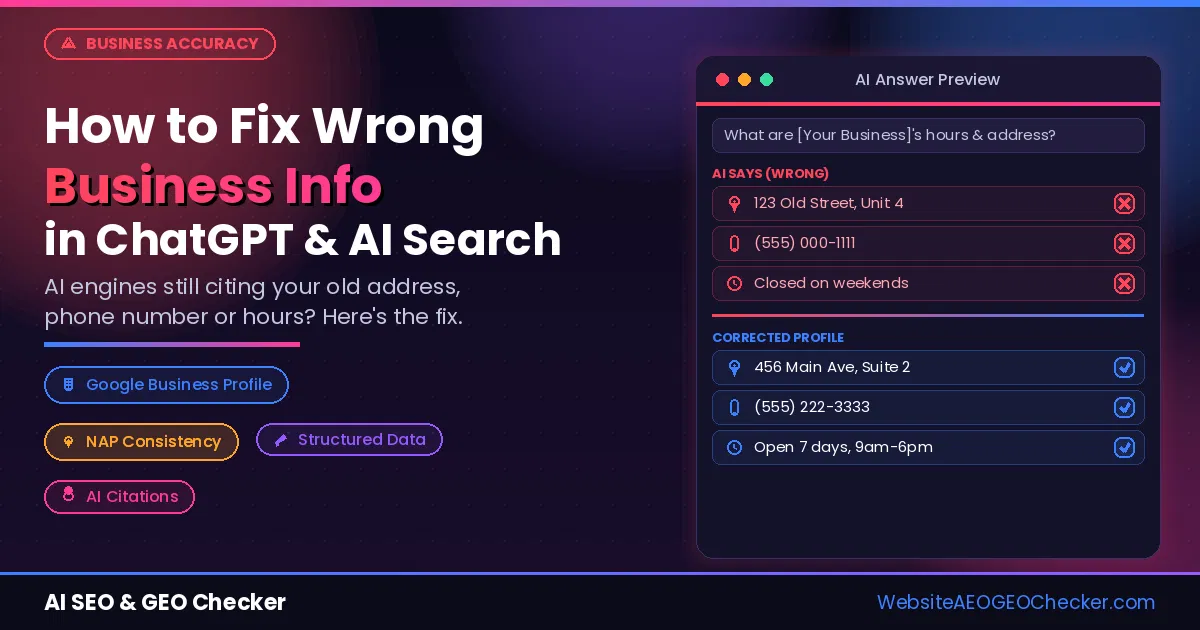
You ask ChatGPT for your business rates and receive last year's rates. You ask Google and get an outdated phone number through the AI Overview tool. Perplexity states that you close by 5 pm, even though you stay open until 9.
People believe these responses. The vast majority of them don't take the effort to verify.
The good news is that almost all wrong AI statements about your business can be fixed. While there is no way to edit ChatGPT directly, you can update its sources and instruct each separate AI engine about the mistake it makes regarding your company. This guide will teach you how to fix ChatGPT responses and other AI-powered tools in 9 easy steps, how to learn what they say about your business currently, and how long each of those fixes will take.
How Often Do AI Tools Get Facts Wrong?
More often than most business owners expect.
In March 2025, the Tow Center for Digital Journalism at Columbia University tested eight AI search tools, including ChatGPT Search, Perplexity, Copilot, Gemini & Grok. The researchers ran 1,600 queries asking each tool to identify the source of real news excerpts. You can read the full Columbia Journalism Review study. The results were not reassuring:
- The tools were wrong on more than 60% of queries overall.
- Grok 3 answered 94% of queries incorrectly.
- Even Perplexity, one of the better performers, was wrong on 37% of queries.
- Premium versions gave more confidently wrong answers than the free versions.
- Licensing deals with publishers did not guarantee accurate citations.
The study tested news citations, not business facts; But it shows the core problem: AI tools rarely say "I am not sure". They state wrong information with the same confidence as correct information, and readers cannot tell the difference. As Fortune reported, the tools seldom used qualifying words such as "it appears" or "might".
Wrong business details are a real risk too. MarTech has urged businesses to check the phone numbers that Google AI Overviews show for them, because a wrong number sends your customers somewhere else.
5 Reasons AI Says the Wrong Thing About Your Business
AI engines do not invent facts on purpose. Wrong answers almost always trace back to one of these five causes.
1. Old pages and listings are still online
Your website shows this year's prices; but an old blog post, a forgotten landing page or a directory listing from three years ago still shows the old ones. AI engines read all of them. If the old version appears in more places, it often wins.
2. AI confuses you with a similar business
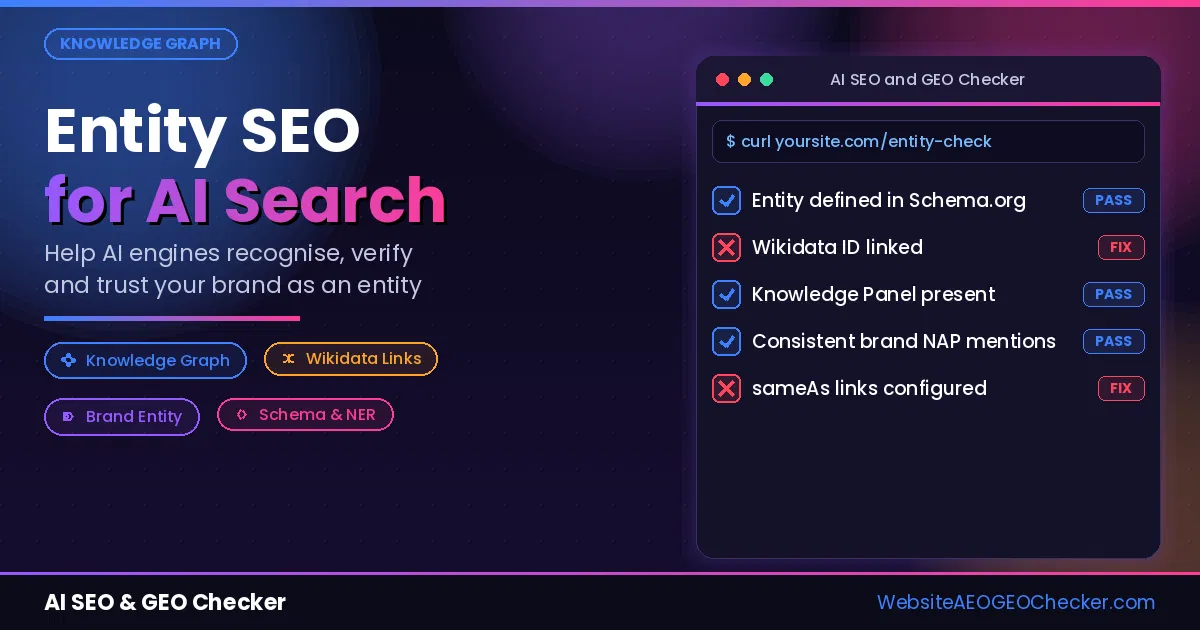
If another company has a similar name, AI can blend the two together; You end up with their address, their founder or their reviews. This is an entity problem: the engine is not sure which business you are. Our guide to entity SEO for AI search explains how to make your brand unmistakable.
3. Third-party pages carry more weight than your site
Review sites, directories, news articles and forums often look more trustworthy to AI than your own website. If those pages are wrong, the AI repeats them, even when your site is correct.
4. Your site leaves gaps, so AI fills them
If your website never states your opening hours, service area or starting price clearly, the AI guesses; A guess is where many "hallucinations" come from. Missing facts are as dangerous as wrong ones.
5. The AI is answering from old training data
Some answers come from what the model learned during training, which can be months or years old. If you changed your prices, moved or rebranded after that, the model still remembers the old version until it is updated.
How to Find Out What AI Says About Your Business
Before you fix anything, find out exactly what is wrong. Ask each AI engine the questions your customers ask. Use your real business name in every prompt:
- "What does [your business] charge for [your main service]?"
- "What are [your business]'s opening hours?"
- "Where is [your business] located, and what is its phone number?"
- "Who owns [your business]?"
- "[Your business] vs [your main competitor]: which is better?"
- "Is [your business] good? What do reviews say?"
Run these on ChatGPT, Google (look at the AI Overview), Perplexity, Gemini, Claude & Grok. Ask from your own city and in your customers' language, because answers change by location; Write down every wrong or missing fact, and note which source each engine links to. That source is usually the page you need to fix.
Doing this by hand takes time. Our AI Visibility Check asks ChatGPT, Claude, Grok, Perplexity and Gemini at once, shows every answer word for word, and runs an automatic fact check against your homepage, so wrong prices, hours and claims are flagged for you. If you want a broader starting point first, read how to check your website's AI visibility.
9 Steps to Fix Wrong AI Information About Your Business
Work through these in order. The early steps fix the sources; the later steps push the AI engines to notice.
Step 1: Fix the facts on your own website first
First, focus on the pages AI crawls first: your homepage, About page, Contact page, and pricing page. Verify your business name, address, phone number, hours of operation, prices, and services, and make sure they all match on each page. Delete or update old blog posts and landing pages that display out-of-date information. If you must keep old pages alive, put a note at the top saying, "Prices last updated on [date]. See up-to-date prices here."
Step 2: Publish a short "Facts about [your business]" page
Make one page that presents your main facts in plain English sentences: your founding date, your owner, location, products/services offered, your price range, and hours of operation. Put a "Last updated" date. AI engines love to crawl concise, dated sentences because they are easy to quote. You can link to this page from your footer and About page.
Step 3: Update your structured data to match
Structured data (schema markup) is the language machines understand, and it provides search engines and AI with your facts in a structured format. Add or update your Organization or LocalBusiness schema with accurate name, address, phone number, logo, hours of operation, and official profile links. Google's Organization structured data guide lists the properties you can use. For the full list of schema types that help AI, see our guide to schema types that boost AI citations.
Step 4: Correct your Google Business Profile and key directories
Your Google Business Profile feeds Google AI Overviews and Gemini directly. Update your hours, phone number, address, categories and services there first; Then fix Bing Places (Bing data feeds Microsoft Copilot and is one of the sources ChatGPT search draws on), Apple Business Connect, Yelp and the main directories for your industry. Use exactly the same details everywhere. Our article on getting your local business into ChatGPT Maps walks through the local listings that matter most.
Step 5: Ask other websites to update old information
Look at the sources the AI engines linked to in your audit. If a news article, review site or partner page shows old details, email the site owner. Keep it short and specific: the page URL, the wrong fact, the correct fact and a link proving it. Most sites are happy to fix a factual error. Track every request in a simple spreadsheet so you can follow up after two weeks.
Step 6: Check Wikidata and Wikipedia
Many AI engines lean on Wikidata and Wikipedia for basic facts; If your business has a Wikidata item, check that its details are correct and update them with a reliable source; If you do not have one, you can only create one if your business meets the Wikidata notability policy. For Wikipedia, never edit an article about your own business. Instead, suggest corrections on the article's talk page and include a reliable source.
Step 7: Report the error inside each AI engine
Every major AI tool lets you flag a bad answer:
- ChatGPT: click the thumbs down under the answer and explain what is wrong.
- Google AI Overviews: click the thumbs down, then choose "Report a problem" or share more feedback. Search Engine Roundtable summarised Google's guidance on AI Overview feedback.
- Perplexity, Gemini, Claude and Grok: use the feedback or report option on the answer itself.
Feedback alone rarely fixes an answer overnight. It works best together with Steps 1 to 6, because the engine then finds the correct facts when it looks again.
Step 8: Earn fresh, correct mentions
An AI algorithm believes any facts it sees in numerous locations. Each additional and accurate mention of your company will further eliminate the outdated version. Valid mentions can be from local media, a helpful post on Reddit, your review profile update, a podcast or guest article, and trade directories. Just ensure that each mention includes your updated information.
Step 9: Re-check after 72 hours, then every week
Live-search engines can pick up your fixes within days. Re-run your prompts 72 hours after Step 7, then weekly. Note which engines have updated and which still show old facts. Our guide to measuring AEO and GEO performance shows a simple monthly routine you can follow.